Signs & Banners / 11 min read
How To Make A Banner Before Sending It To Print
A step-by-step banner creation guide covering goal, size, headline, image, logo, CTA, colors, bleed, resolution and export.
Published / Updated
By BizBee. Factual review: BizBee print team.
Short answer
For how to make a banner, start with the real placement, viewing distance and business goal. make the banner at final proportion before adding detailed artwork. BizBee can review the artwork, size, material and installation assumptions before production so the finished sign or banner is readable and practical.
Start With Location And Viewing Distance
The practical question behind how to make a banner is not just what looks nice on a screen. It is whether a person can understand the message from the place where the sign or banner will actually be seen.
For small businesses, designers, event teams and marketing teams creating banner artwork, the article should help the customer make one production decision: turn a banner idea into a clean print-ready file and brief. That means starting with location, distance, lighting, installation, weather exposure, campaign length and the action the reader should take.
A strong sign or banner usually has one job: identify, direct, promote, reassure or trigger a scan. If the job is unclear, the design becomes crowded before it becomes useful.
Use this connected BizBee guide to compare signs, banners, artwork setup, readability, material and quote readiness.
Choose The Right Format For The Job
How To Make A Banner Before Sending It To Print depends on format. A storefront sign, vinyl banner, pull-up banner, mesh banner, window graphic, flag or poster each solves a different visibility problem.
Useful examples for this topic include promotion banner, event banner, sale banner, opening banner, exhibition banner, outdoor banner. Each example changes the size, material, mounting method, message length and artwork setup.
The working rule is: make the banner at final proportion before adding detailed artwork. That rule should guide the quote brief before production starts.
Use this connected BizBee guide to compare signs, banners, artwork setup, readability, material and quote readiness.
Design For Fast Reading
Signs and banners are usually scanned quickly. The headline should be short, the contrast should be strong and the main message should not compete with too many details.
Use a readable font, generous spacing, a clear logo area and one primary action. If the sign needs a QR code, give it enough quiet space and place it where people can actually scan it.
For Dubai storefronts, events and exhibitions, design should also consider glare, bright daylight, indoor lighting, crowded backgrounds and people moving past the message quickly.
Use this connected BizBee guide to compare signs, banners, artwork setup, readability, material and quote readiness.
Material, Size And Installation Checks
A good design can still fail if the material or installation does not match the use case. Outdoor banners may need stronger material, grommets or wind-aware placement. Pull-up banners need base-safe space. Flags need very short copy because the fabric moves.
Confirm final dimensions, viewing distance, indoor or outdoor use, hanging method, finishing, bleed, safe margins, resolution and delivery deadline before printing.
If the banner will be tied to a fence, mounted on a wall, placed at an exhibition booth or hung in a window, that installation detail should be part of the brief.
Use this connected BizBee guide to compare signs, banners, artwork setup, readability, material and quote readiness.
Dubai Business Use Cases
A cafe may need a storefront offer, a salon may need a service package banner, a clinic may need a clear reception sign and a real estate office may need directional or launch signage. The format should follow the business goal.
For retail and service businesses, signage should help people understand what is offered, why it matters and what to do next. For events and exhibitions, the job is often faster recognition, lead capture and booth navigation.
Outdoor advertising works best when the offer, location and format match each other. A large banner with a weak message is still weak. A small sign with a clear message in the right place can work harder.
Use this connected BizBee guide to compare signs, banners, artwork setup, readability, material and quote readiness.
What BizBee Should Confirm Before Production
BizBee should confirm the sign type, final size, material, finishing, mounting requirements, artwork resolution, color expectations, deadline and delivery area before production.
For banner creation workflow, the key risk is usually readability, material mismatch, poor installation planning, low-resolution artwork, weak contrast or too much text for the viewing distance.
Send the current artwork or brief with photos of the intended placement if possible. That gives the team enough context to advise on size, material and print setup before the order becomes expensive.
Use this connected BizBee guide to compare signs, banners, artwork setup, readability, material and quote readiness.
Final Recommendation
Treat how to make a banner as a visibility decision first and a design decision second. The best output is the one people can notice, read and act on in the real environment.
Keep the message short, make the hierarchy obvious, choose material around the location and prepare artwork at final size with clean export settings.
If the sign or banner will be used outdoors, for an event, or in a high-traffic location, confirm the setup with BizBee before printing so size, material and finishing are aligned.
Use this connected BizBee guide to compare signs, banners, artwork setup, readability, material and quote readiness.
Visual proof
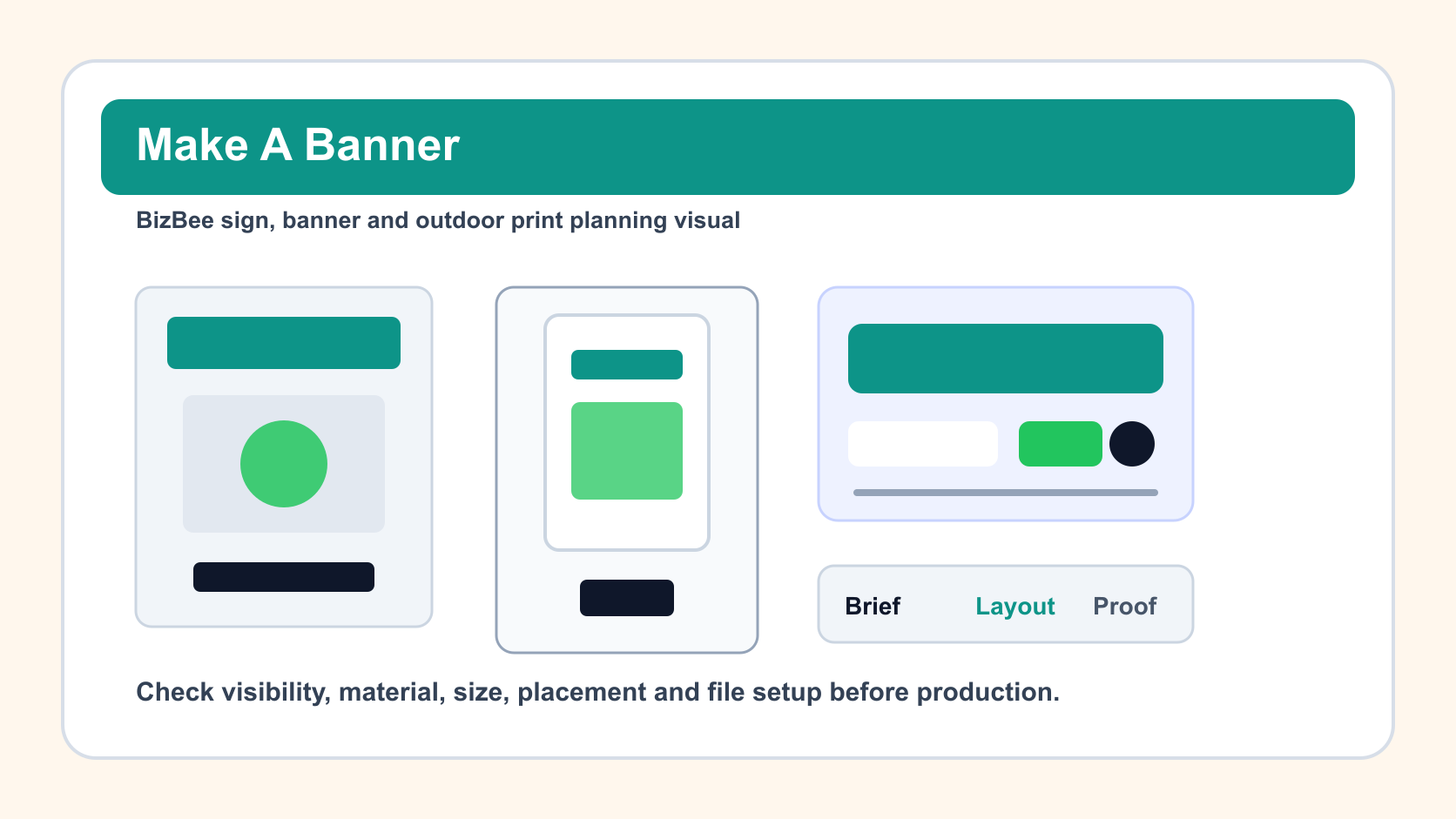
banner creation workflow from brief to layout to print-ready proof
This article uses a dedicated visual direction for banner creation workflow instead of a reused signage image. The visual supports the exact buyer intent and production decision.
How To Make A Banner Before Sending It To Print checklist
- - Confirm the sign or banner goal: identify, promote, direct, reassure or capture leads.
- - Measure the placement area and estimate the viewing distance.
- - Choose material, size and finishing around indoor or outdoor use.
- - Keep the headline short and make the CTA or QR code easy to use.
- - Check artwork resolution, bleed, safe area, contrast and final file format.
- - Send BizBee the artwork, placement notes, deadline and delivery area before production.
Downloadable aids
Frequently asked questions
What should I send BizBee for how to make a banner?
Send the artwork or draft, intended placement, final size if known, quantity, indoor or outdoor use, material preference, deadline and delivery area. Photos of the display location can also help.
What makes a sign or banner hard to read?
Small text, weak contrast, too many messages, poor font choice, low-resolution artwork and wrong sizing for the viewing distance are the most common problems.
Can BizBee help choose banner material or size?
Yes. BizBee can advise based on where the banner will be used, how long it must last, whether it is indoor or outdoor and how it will be mounted.
Do signs and banners need bleed and safe margins?
Yes. Large-format print still needs safe layout planning so important text, QR codes and logos are not too close to trim, edge finishing, stands or mounting points.
Turn this into a print-ready BizBee signage request
Send BizBee the goal, artwork, size, location, material preference, quantity and deadline for how to make a banner before sending it to print. The team can check whether the file and production choice fit the display environment.
Request sign or banner printing helpNext step
Share the file, display location, size, quantity, material, finishing, deadline and delivery area for how to make a banner.
Send BizBee your sign or banner brief