Flyers & Brochures / 12 min read
Graphic Design Trends Infographic For Business Campaigns
A guide to turning design trends into an infographic-style campaign planning asset.
Published / Updated
By BizBee. Factual review: BizBee print team.
Short answer
For graphic design trends infographic in Dubai, start with the customer decision, audience, format, typography, color, file quality, channel, budget and deadline. turn trends into decisions, not decoration. BizBee can review the design and production assumptions before printing or campaign rollout.
Start With The Customer Decision
A strong graphic design trends infographic project starts with the customer decision: trust the brand, understand the offer, scan the page, visit the shop, book a service, keep a memory or respond to a campaign.
For marketing teams, agencies, schools and small businesses preparing campaign decks or print handouts, the goal is to organize trends into a scannable visual that teams can use for campaigns and planning. That means the design has to work in real Dubai business conditions, not only as a polished mockup.
Write down the audience, primary action, channels, Dubai delivery or launch date, and whether the output is for print, web, event, gifting or local promotion before final artwork starts.
Use this related BizBee guide to connect design decisions with print, web, local promotion or production readiness.
Choose The Format And System
Graphic Design Trends Infographic For Business Campaigns works best when the format, layout system, color palette, typography and production context are chosen before final details are polished.
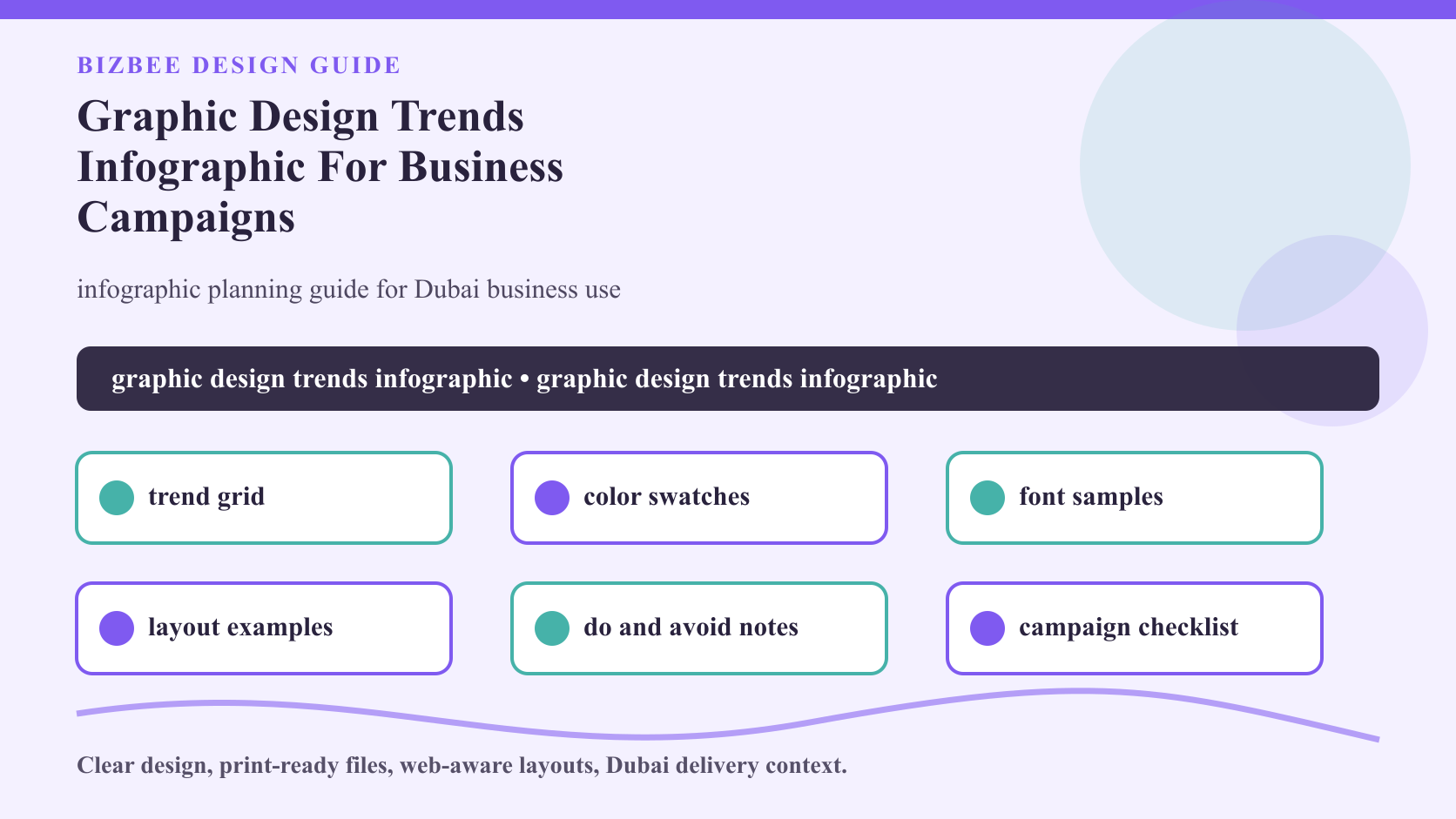
Useful options for this topic include trend grid, color swatches, font samples, layout examples, do and avoid notes, campaign checklist. Each option changes size, hierarchy, content depth, file requirements, accessibility and print or web quality checks.
The working rule is: turn trends into decisions, not decoration. This keeps the creative direction practical for business use instead of becoming decoration without a job.
Use this related BizBee guide to connect design decisions with print, web, local promotion or production readiness.
Make The Design Clear And Production-Ready
Production-ready design is specific. It has readable typography, strong contrast, clean spacing, correct dimensions, suitable image quality and a final version prepared for the channel where it will appear.
For Dubai businesses, the same identity may need to work on business cards, menus, booklets, signs, packaging, websites, trade show booths, stationery and customer follow-up pieces.
If the design uses small text, photos, gradients, QR codes, AI-assisted concepts, special colors or responsive layouts, check it at final size before approval.
Use this related BizBee guide to connect design decisions with print, web, local promotion or production readiness.
Connect Print, Web And Local Promotion
The strongest designs carry the same message across the website, printed materials, signage, event displays and customer handouts. A disconnected flyer, website and booth will feel less trustworthy.
Plan how the customer moves from first impression to action: scan a sign, open a flyer, view a web page, save a card, read a menu, keep a photo book or respond to a seasonal campaign.
In Dubai, this matters for fast-moving launches, trade shows, retail campaigns, restaurants, clinics, schools, wedding vendors and local service brands.
Use this related BizBee guide to connect design decisions with print, web, local promotion or production readiness.
Budget, Timing And Approval Checks
Design cost and production timing depend on scope, revisions, file cleanup, page count, image preparation, print method, material, finishing and delivery deadline.
Small tests are useful before a full rollout. Print one sample, review a mobile page, test a menu page or check a booth visual before approving a larger campaign.
Keep approval simple: final copy, final logo, final images, final color expectations, final sizes, delivery area and a named person who signs off before production.
Use this related BizBee guide to connect design decisions with print, web, local promotion or production readiness.
What BizBee Should Confirm Before Production
BizBee should confirm the final format, dimensions, paper or material, page count, print method, color expectations, typography readability, image quality, quantity, finishing and Dubai delivery deadline.
For graphic design trends infographic, common risks include weak contrast, mismatched colors, low-resolution images, unclear hierarchy, web layouts that do not work on mobile, and print files without safe margins or proof approval.
Send the creative direction, brand assets, references, final copy, quantities, launch date and channel list together so the team can review the job as one business system.
Use this related BizBee guide to connect design decisions with print, web, local promotion or production readiness.
Final Recommendation
Treat graphic design trends infographic as a business decision, not only a design style. It should make the message clearer, the brand easier to trust and the next step easier to take.
Choose the format first, simplify the hierarchy, test readability, prepare the final files and then move into print, web launch or campaign production.
If the project connects brand identity, local promotion, web design, menus, booklets, trade shows, wedding keepsakes or print materials, ask BizBee to review the production assumptions before rollout.
Use this related BizBee guide to connect design decisions with print, web, local promotion or production readiness.
Visual proof
infographic layout with trend cards, color swatches, typography samples and campaign notes
This article uses a dedicated visual direction for graphic design trends infographic instead of reusing a generic design image.
Graphic Design Trends Infographic For Business Campaigns checklist
- - Confirm the customer decision, audience, offer and channel before styling the design.
- - Choose the format, dimensions, layout system, typography, palette and material or web context.
- - Check contrast, readability, image quality, logo files, spacing, margins and mobile behavior where relevant.
- - Confirm quantity, page count, finishing, proof approval, launch date and Dubai delivery area.
- - Prepare simplified fallback versions for small sizes, web pages, signage, print materials and campaign handouts.
- - Send BizBee the final assets, references, copy, specs and deadline together before production.
Downloadable aids
Frequently asked questions
What should I prepare before starting graphic design trends infographic?
Prepare the goal, audience, final use, brand assets, copy, size, deadline, examples and any print or web constraints. This makes the design easier to approve and produce.
How do I avoid weak design or print quality?
Use readable typography, strong contrast, correct file dimensions, high-quality images, clean spacing and proof approval. Test the design at final size and on mobile when it is used online.
Can BizBee help before the design is final?
Yes. BizBee can review artwork readiness, print assumptions, format choice, material fit, file quality and whether the design supports the intended customer action.
How should I choose between design options?
Choose the option that makes the offer clearer, fits the channel, supports the brand and gives the customer an obvious next step.
Turn this into a production-ready BizBee request
Send BizBee the goal, final copy, brand assets, format, dimensions, quantity, material or web context, deadline and delivery use case for graphic design trends infographic for business campaigns. The team can check whether the design is ready for print or campaign production.
Request design and print guidanceNext step
Share the brand assets, copy, format, quantity, materials, deadline and channel list for graphic design trends infographic.
Send BizBee your design brief