Printing and file preparation / 2 min read
How Do You Keep Worksheet Answers Out of Student Print Packs?
Keep answer keys in a separate approved file with their own copy count, and inspect the complete learner PDF before ordering.
Published / Updated
By BizBee editorial. Editorial review: Ibrahim — source and calculation checks.
Short answer
Keep answer keys in a separate approved file with their own copy count, and inspect the complete learner PDF before ordering. File names alone are not enough: a worksheet can still contain answers in its final pages, comments or copied slide notes.
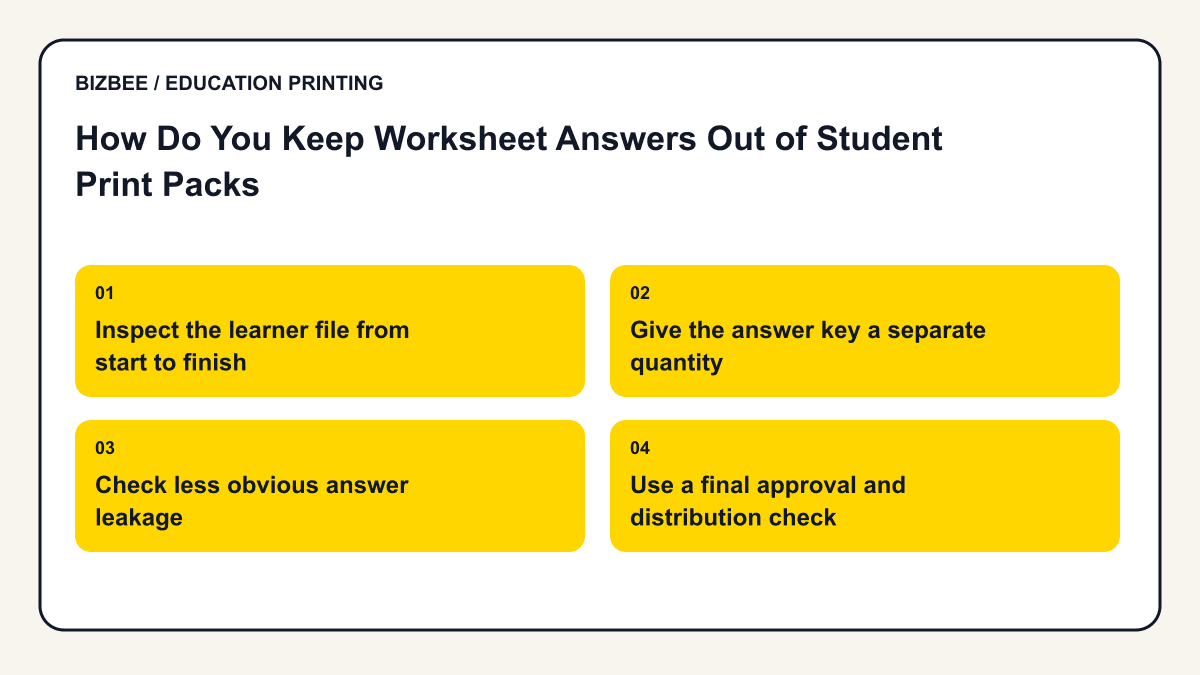
Inspect the learner file from start to finish
Look beyond the first exercise. Check appendices, hidden-looking blank pages, answer tables and teacher notes included after the pupil material. Reopen the exported PDF because it is the file that will actually be reproduced.
If a platform provides teacher and student editions, obtain the correct permitted edition. Do not assume that removing the word teacher from a filename also removes its answers.
Use this supporting guide for the underlying print setup; the education workflow above defines this article’s specific task.
Give the answer key a separate quantity
Illustrative example: thirty learners each need an eight-page revision pack. That is 240 learner faces. Two staff copies of a four-page answer key add eight faces, giving 248 altogether. Combining all twelve pages and ordering thirty copies would instead create 360 faces and put the answers into every learner set.
Keep the two files separate unless there is an expressly confirmed arrangement for the intended output. Review each quantity in the actual order summary.
Check less obvious answer leakage
Comments, annotations, presenter notes and marked examples can reveal solutions. Decide deliberately what belongs in the learner pack; some worked examples may be appropriate, while a marking key is not.
For a differentiated activity, reconcile each answer key against its matching version. An answer to an earlier version can cause confusion even if no learner receives it. Keep the resource code consistent across both files.
Use a final approval and distribution check
Have the responsible teacher approve the learner and staff PDFs separately. Confirm any sorting, separation or packaging rather than assuming it is included by default. When the Dubai order arrives, inspect the first complete set and the separate staff material before handing out copies. If you discover a wrong file after ordering, contact the team immediately; do not assume production has paused.
Find related classroom, student and academic planning questions.
Your decision checklist
- - Review all learner PDF pages
- - Remove unintended notes and solutions
- - Use a separate staff file
- - Record staff and learner quantities
- - Inspect a complete delivered set
Frequently asked questions
Can I rely on a filename saying student?
No. Check the actual page contents and exported version.
Should answers always be deleted?
Keep the teacher master safely. Exclude answers from learner output where the lesson requires it, rather than destroying the source.
Next step
Upload the approved file, compare the current quotation and check available delivery before paying. Specific finishing and handling need confirmation.
Review BizBee document options