Printing and file preparation / 3 min read
Should Teachers Print Weekly Worksheets Together or Order Lesson by Lesson?
Batch worksheets when the files are final, the quantities are reliable and they share a useful delivery window.
Published / Updated
By BizBee editorial. Editorial review: Ibrahim — source and calculation checks.
Short answer
Batch worksheets when the files are final, the quantities are reliable and they share a useful delivery window. Order lesson by lesson when content changes frequently. Compare complete quotations and the risk of unused or corrected copies rather than assuming a larger order is always better value.
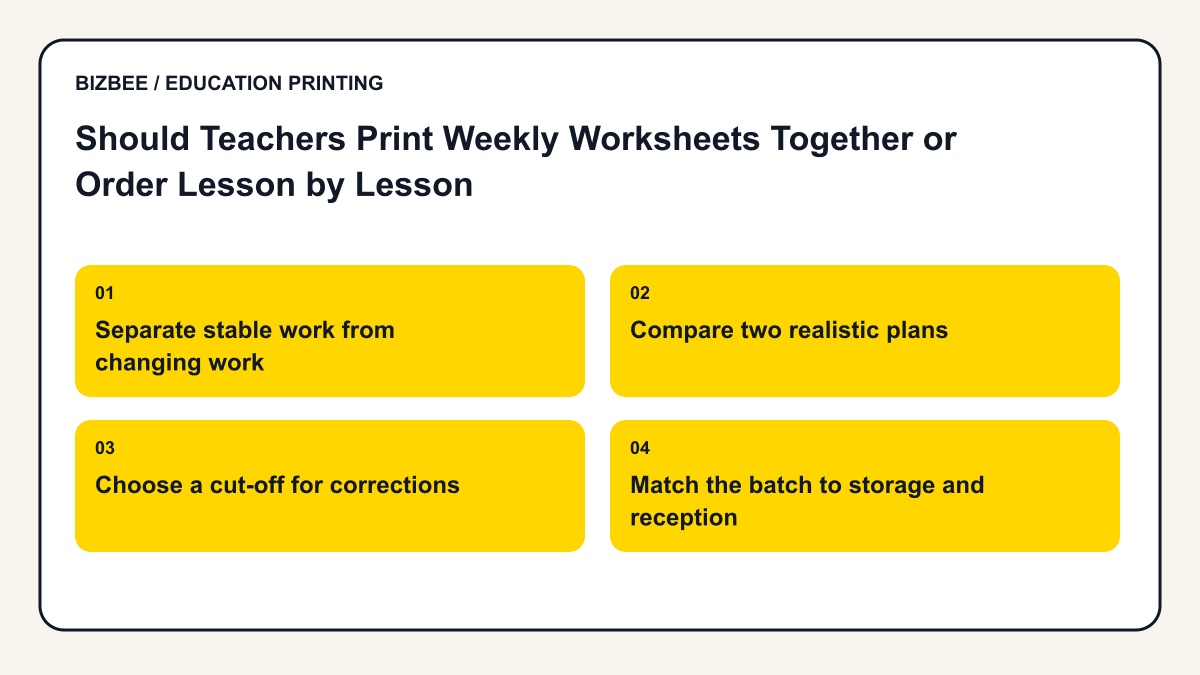
Separate stable work from changing work
A finished spelling list or approved revision sequence may be predictable. An exercise adjusted after assessing yesterday’s lesson may not be. Keep the uncertain material out of an advance batch until its teacher approves it.
A school can combine delivery planning without pretending every class uses the same file. Record each class version, quantity and settings so a bigger job does not become an ambiguous one.
Use this supporting guide for the underlying print setup; the education workflow above defines this article’s specific task.
Compare two realistic plans
Illustrative quantities: five separate two-page exercises for 30 pupils require 300 printed faces across the week. A single combined ten-page pack for 30 pupils also contains 300 faces. The content total is unchanged; order grouping, print settings, finishing and delivery can change the payable amount.
Compare the actual five-order and one-order quotations. If one exercise changes after all packs are printed, replacing its 60 faces may offset a delivery saving. Do not add unnecessary pages simply to reach a discount tier.
Choose a cut-off for corrections
Give teachers an internal deadline to approve files, then retain the exact versions used. A message saying that a file is nearly final is not a production approval. Keep answer sheets and staff notes separate from pupil resources.
If a correction arrives after ordering, contact support promptly. Do not assume that replacing a cloud document or uploading a new attachment cancels the older print job.
Match the batch to storage and reception
For a Dubai campus, identify where the order will be received and who moves it to the relevant classes. Confirm any special separation or packaging rather than assuming it is included. Print only as far ahead as your curriculum, classroom storage and version stability justify; a useful weekly batch need not become a term-long stockpile.
Find related classroom, student and academic planning questions.
Your decision checklist
- - Mark files final or provisional
- - Compare identical weekly content
- - Include correction and delivery costs
- - Set an approval cut-off
- - Confirm reception and internal distribution
Frequently asked questions
Do different files share a volume discount automatically?
Use the active builder quotation for the actual multi-file order. Do not infer its pricing from a theoretical combined page count.
Should the entire term be printed at once?
Only if content and quantities are stable enough to justify the risk and storage.
Next step
Upload the approved file, compare the current quotation and check available delivery before paying. Specific finishing and handling need confirmation.
Review BizBee document options