Print File Prep & Materials / 12 min read
How To Work With Designers Before Printing
A collaboration guide for briefing designers, reviewing artwork and preparing files for print.
Published / Updated
By BizBee. Factual review: BizBee print team.
Short answer
For working with designers before printing in Dubai, start with the business goal, audience, format, artwork quality, material, quantity, budget and deadline. give designers print specs early instead of asking printers to fix files later. BizBee can review the file and production assumptions before printing so the finished material is clear, useful and brand-ready.
Start With The Business Goal
A strong working with designers before printing project starts with the business result: launch visibility, staff consistency, customer retention, event recall, product testing, lead generation or a clearer brand system.
For business owners, marketing teams and founders coordinating design work before production, the goal is to help designers deliver files that printers can actually use. That means the output must be useful in a real Dubai business context, not only attractive in a mockup.
Write down the audience, use case, quantity, deadline, Dubai delivery area and next customer action before choosing the final format.
Use this related BizBee guide to compare apparel, logo, brand, collateral or production decisions before ordering.
Choose The Format Before Final Artwork
How To Work With Designers Before Printing works best when the format, material, size and production method are decided before final artwork is polished.
Useful options for this topic include creative brief, brand assets, file handoff, proof review, revision notes, print specs. Each option changes artwork size, color limits, finishing, cost and proofing needs.
The working rule is: give designers print specs early instead of asking printers to fix files later. This keeps the idea practical instead of creating a design that looks good but fails when printed.
Use this related BizBee guide to compare apparel, logo, brand, collateral or production decisions before ordering.
Make The Design Production-Ready
Production-ready design is specific. It has the right file type, enough resolution, clean spacing, readable type, suitable colors and a clear version for the final Dubai print surface.
For apparel, logos, signs, postcards, business documents and campaign materials, small details can disappear quickly. Test the artwork at final size before approving the job.
If the design uses photos, gradients, QR codes, AI concepts or tiny typography, ask for an extra proof check so quality issues are caught before printing.
Use this related BizBee guide to compare apparel, logo, brand, collateral or production decisions before ordering.
Plan Cost, Quantity And Timing
Cost depends on more than the printed item. Quantity, material, setup, color count, placement, finishing, packing and delivery all affect the final quote.
Small batches are useful for testing in Dubai. Larger batches need stronger proofing, clearer approval and more time for production and delivery across Dubai.
Build a simple budget that separates design, product, print method, finishing, packaging and delivery so the decision is easier to compare.
Use this related BizBee guide to compare apparel, logo, brand, collateral or production decisions before ordering.
Dubai Business Use Cases
A cafe may need shirts, thank-you cards and stickers; a clinic may need collateral and branded documents; a school may need personalized supplies; and an exhibition team may need signs, flyers and giveaway items.
For Dubai launches, trade shows, recruitment events, retail campaigns and local service promotions, choose materials that support the full journey from first impression to follow-up.
The best printed material in Dubai has one clear job, one clear message and one clear next step for the recipient.
Use this related BizBee guide to compare apparel, logo, brand, collateral or production decisions before ordering.
What BizBee Should Confirm Before Printing
BizBee should confirm product type, material, size, artwork file, logo version, color expectations, quantity, finishing, Dubai delivery deadline and where the material will be used.
For working with designers before printing, common risks include low-resolution files, weak contrast, wrong color mode, unclear ownership of logo files, poor placement, small text, unrealistic timelines and missing proof approval.
Send brand assets, reference examples, quantities, deadline and campaign context together. That gives the team enough information to check the order before production starts.
Use this related BizBee guide to compare apparel, logo, brand, collateral or production decisions before ordering.
Final Recommendation
Treat working with designers before printing as a business tool with a job to do. It should be clear, useful, brand-consistent and ready for real-world production.
Decide the format first, simplify the artwork, confirm technical requirements, proof the final layout and only then move into production.
If the project involves apparel, logos, brand materials, postcards, school supplies, documents or campaign collateral, ask BizBee to review the brief before printing.
Use this related BizBee guide to compare apparel, logo, brand, collateral or production decisions before ordering.
Visual proof
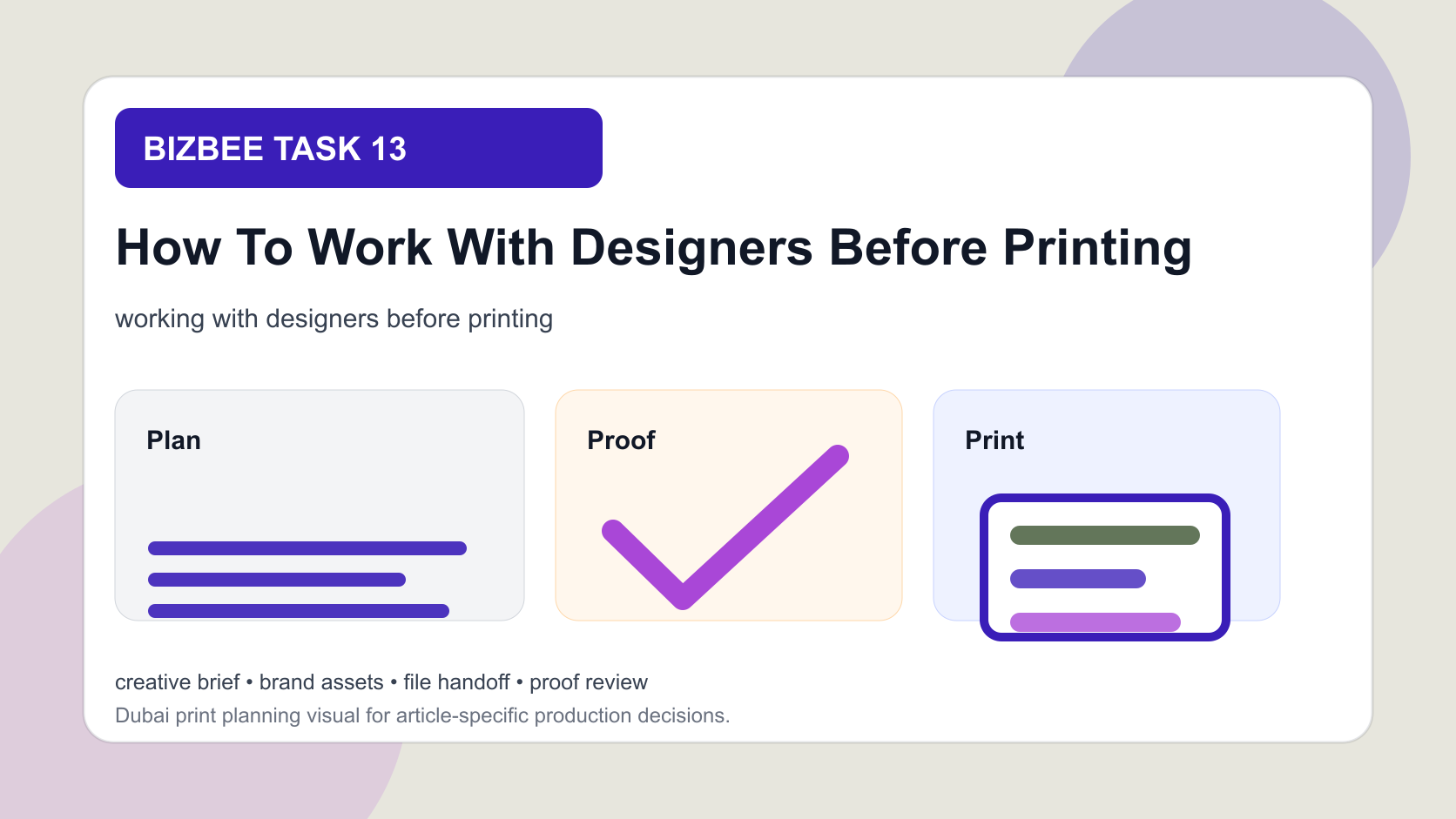
designer collaboration workflow with brief, assets, proof, revisions and print-ready handoff
This article uses a dedicated visual direction for working with designers before printing instead of reusing a generic print image.
How To Work With Designers Before Printing checklist
- - Confirm the business goal, audience and where the material will be used.
- - Choose the product, format, material, size and production method before final artwork.
- - Check logo quality, resolution, colors, contrast, spacing, QR codes and final readability.
- - Confirm quantity, budget, finishing, proof approval, delivery date and Dubai delivery area.
- - Prepare a fallback version when the design uses gradients, small text, photos or concept artwork from design tools.
- - Send BizBee the artwork, references, specs and deadline together before production.
Downloadable aids
Frequently asked questions
What should I send BizBee for working with designers before printing?
Send the artwork, logo files, size, material or product type, quantity, deadline, delivery area, campaign context and any reference examples. Include placement notes when the item is apparel, signage, packaging or collateral.
How do I avoid print quality problems?
Use high-resolution files, readable type, strong contrast, correct dimensions, print-safe colors and proof approval. If the artwork includes photos, gradients, QR codes or AI concepts, ask for an extra production check.
Can BizBee help before the file is final?
Yes. BizBee can review artwork readiness, material choice, production method, size, finishing and whether the file is suitable for the chosen print product.
How should I choose between different materials or formats?
Start with the use case. Choose the format that best fits the recipient, viewing distance, durability needs, campaign goal, budget and deadline.
Turn this into a print-ready BizBee request
Send BizBee the artwork, product type, size, quantity, material, placement notes, deadline and delivery use case for how to work with designers before printing. The team can check whether the file and production choices fit the goal before printing.
Request print-ready guidanceNext step
Share the artwork, product type, size, quantity, material, finishing, deadline and delivery area for working with designers before printing.
Send BizBee your print brief