Flyers & Brochures / 10 min read
How To Make A Flyer For Your Business Before Sending It To Print
A practical workflow for making a business flyer, from brief and copy to layout, file setup, proofing and print handoff.
Published / Updated
By BizBee Print Team. Factual review: BizBee production checklist.
Short answer
For how to make a flyer, start with the business goal, choose the right printed format, keep the message easy to scan, prepare a clean PDF with bleed and safe margins, then ask BizBee to check the file before production.
Write A Simple Flyer Brief
For Dubai businesses, write a simple flyer brief is not just a design preference. Define offer, audience, location, quantity, deadline and distribution method. This matters because printed flyers and brochures are usually judged quickly: at a reception counter, in a delivery bag, during an event conversation or after a sales meeting.
A practical way to handle this is to decide the role of the printed piece before polishing the artwork. If the goal is quick action, keep the message closer to the best fonts for flyers and brochures that print clearly in dubai workflow. If the goal is explanation or trust-building, compare the structure with what is a flyer and when should a business use one? before sending files to print.
BizBee's print check should confirm the physical details too: final size, paper, finish, fold direction if any, bleed, safe margins, QR code scanability, phone numbers and delivery timing. That final production check is what turns a good-looking screen design into a reliable printed marketing asset.
Use this related guide to keep the flyer and brochure cluster connected around a real print decision.
Prepare The Copy Before Designing
For Dubai businesses, prepare the copy before designing is not just a design preference. Explain headline, offer details, proof points, CTA, contact details and disclaimers. This matters because printed flyers and brochures are usually judged quickly: at a reception counter, in a delivery bag, during an event conversation or after a sales meeting.
A practical way to handle this is to decide the role of the printed piece before polishing the artwork. If the goal is quick action, keep the message closer to the flyer and brochure sizes in dubai: a practical print guide workflow. If the goal is explanation or trust-building, compare the structure with how to design a flyer that looks professional when printed before sending files to print.
BizBee's print check should confirm the physical details too: final size, paper, finish, fold direction if any, bleed, safe margins, QR code scanability, phone numbers and delivery timing. That final production check is what turns a good-looking screen design into a reliable printed marketing asset.
Use this related guide to keep the flyer and brochure cluster connected around a real print decision.
Choose Size, Paper And Finish Early
For Dubai businesses, choose size, paper and finish early is not just a design preference. Explain why size and paper affect layout, cost and how the flyer feels in hand. This matters because printed flyers and brochures are usually judged quickly: at a reception counter, in a delivery bag, during an event conversation or after a sales meeting.
A practical way to handle this is to decide the role of the printed piece before polishing the artwork. If the goal is quick action, keep the message closer to the flyer vs brochure vs pamphlet: which one should your dubai business print? workflow. If the goal is explanation or trust-building, compare the structure with flyer design ideas for dubai businesses before sending files to print.
BizBee's print check should confirm the physical details too: final size, paper, finish, fold direction if any, bleed, safe margins, QR code scanability, phone numbers and delivery timing. That final production check is what turns a good-looking screen design into a reliable printed marketing asset.
Use this related guide to keep the flyer and brochure cluster connected around a real print decision.
Create The Layout
For Dubai businesses, create the layout is not just a design preference. Give a practical order for placing headline, visual, offer, CTA and contact block. This matters because printed flyers and brochures are usually judged quickly: at a reception counter, in a delivery bag, during an event conversation or after a sales meeting.
A practical way to handle this is to decide the role of the printed piece before polishing the artwork. If the goal is quick action, keep the message closer to the what is a flyer and when should a business use one? workflow. If the goal is explanation or trust-building, compare the structure with how to design a brochure that customers actually read before sending files to print.
BizBee's print check should confirm the physical details too: final size, paper, finish, fold direction if any, bleed, safe margins, QR code scanability, phone numbers and delivery timing. That final production check is what turns a good-looking screen design into a reliable printed marketing asset.
Use this related guide to keep the flyer and brochure cluster connected around a real print decision.
Export The File Correctly
For Dubai businesses, export the file correctly is not just a design preference. Cover PDF export, bleed, crop marks, embedded fonts, image quality and actual-size review. This matters because printed flyers and brochures are usually judged quickly: at a reception counter, in a delivery bag, during an event conversation or after a sales meeting.
A practical way to handle this is to decide the role of the printed piece before polishing the artwork. If the goal is quick action, keep the message closer to the how to design a flyer that looks professional when printed workflow. If the goal is explanation or trust-building, compare the structure with how to make a brochure for your business in 8 practical steps before sending files to print.
BizBee's print check should confirm the physical details too: final size, paper, finish, fold direction if any, bleed, safe margins, QR code scanability, phone numbers and delivery timing. That final production check is what turns a good-looking screen design into a reliable printed marketing asset.
Use this related guide to keep the flyer and brochure cluster connected around a real print decision.
Send The Right Instructions To The Printer
For Dubai businesses, send the right instructions to the printer is not just a design preference. Explain quantity, size, paper, finish, delivery location and approval workflow. This matters because printed flyers and brochures are usually judged quickly: at a reception counter, in a delivery bag, during an event conversation or after a sales meeting.
A practical way to handle this is to decide the role of the printed piece before polishing the artwork. If the goal is quick action, keep the message closer to the flyer design ideas for dubai businesses workflow. If the goal is explanation or trust-building, compare the structure with brochure examples and layout ideas for dubai businesses before sending files to print.
BizBee's print check should confirm the physical details too: final size, paper, finish, fold direction if any, bleed, safe margins, QR code scanability, phone numbers and delivery timing. That final production check is what turns a good-looking screen design into a reliable printed marketing asset.
Use this related guide to keep the flyer and brochure cluster connected around a real print decision.
Visual proof
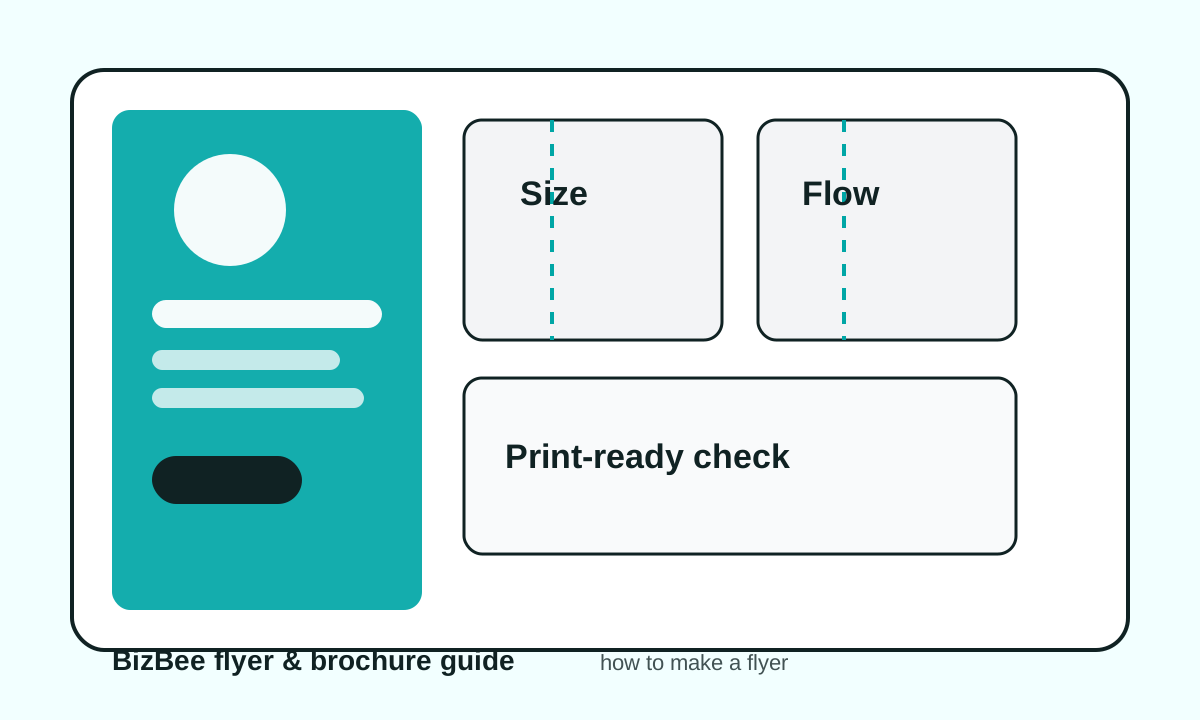
Flyer production workflow from idea to print
A step flow showing brief, copy, layout, proof, PDF export, print check and delivery.
Before upload checklist
- - Confirm final size and orientation.
- - Check all phone numbers and QR codes.
- - Add bleed and keep text inside safe margins.
- - Export as high-quality PDF.
- - Write quantity, paper and finish in the print request.
- - Ask for a proof when timing or color matters.
Downloadable aids
Frequently asked questions
What is the first step in making a flyer?
Start with the goal and offer. A flyer without one clear action usually becomes crowded and weak.
Do I need a designer to make a flyer?
Not always. A simple flyer can work if the message is clear, the layout is clean and the file is prepared correctly for print.
What file format should I send for flyer printing?
A high-quality PDF is usually the safest print handoff format because it preserves layout, fonts and images better than screenshots.
Can BizBee check my flyer file before printing?
Yes. Send the file with the size, quantity and paper preference, and BizBee can flag obvious print issues before production.
Turn this into a print-ready BizBee request
Send the size, quantity, deadline, delivery area, artwork file and any paper or finish preference. BizBee can check obvious production risks before printing, especially fold order, bleed, QR codes, image quality and contact details.
Request flyer or brochure printing helpNext step
When the idea, copy or artwork is ready, send the brief to BizBee for a practical print check before flyer or brochure production.
Send BizBee your flyer or brochure brief