Printing and file preparation / 3 min read
How Do You Print Maths Worksheets Without Changing Rulers or Graph Scales?
For worksheets involving measurement, preserve the intended physical scale and verify it on paper.
Published / Updated
By BizBee editorial. Editorial review: Ibrahim — source and calculation checks.
Short answer
For worksheets involving measurement, preserve the intended physical scale and verify it on paper. Fit-to-page or multi-page-per-sheet settings can change rulers, shapes and graph grids even when the PDF looks sharp. Use the resource’s own print instructions and a known-length check before producing the class quantity.
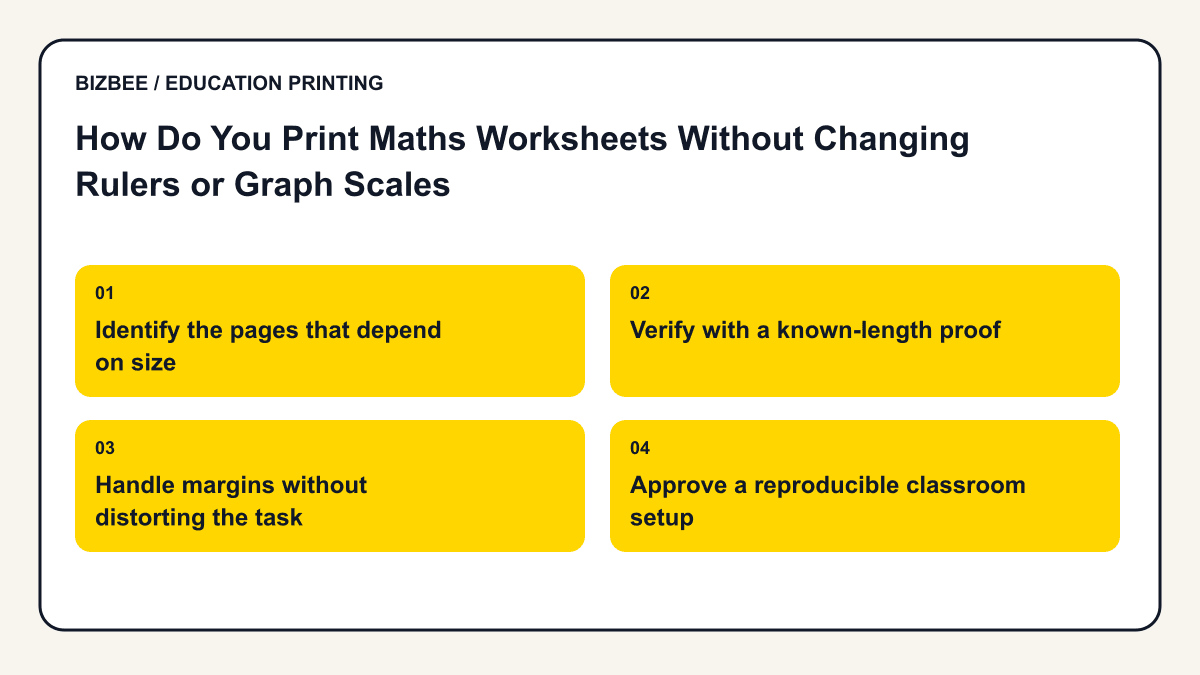
Identify the pages that depend on size
A question asking pupils to measure a line needs the line to be the intended length. A graph with a printed numerical scale may still be interpretable after reduction, but a task using physical centimetres may not. Read the activity instructions rather than applying one rule to every diagram.
Check both the PDF dimensions and requested paper size. A resource designed for another paper format can be resized by the print workflow without making the change obvious in its filename.
Use this supporting guide for the underlying print setup; the education workflow above defines this article’s specific task.
Verify with a known-length proof
Use an ordinary ruler to check a labelled reference line or grid on a proof printed with the intended settings. Illustrative example: a five-centimetre line reduced to 90% becomes 4.5 centimetres. A pupil who measures it correctly can then appear to answer incorrectly against the original answer key.
An on-screen zoom percentage is not proof of physical print scale. Display size and device scaling affect how large the image appears. Make the measurement on the paper output when the activity requires it.
Handle margins without distorting the task
Do not solve clipping by shrinking a precision worksheet automatically. First check whether the source page, printable area and provider’s output can preserve the required scale. Ask for confirmation where the resource extends close to the edges.
If the teacher approves a redesigned layout with safer margins, export and review it again. Preserve the relationship between instructions, figures and answers rather than merely making every item fit.
Approve a reproducible classroom setup
Record paper size, scaling instruction, sides and the checked reference measurement. Use that specification for the complete Dubai classroom order. Thirty learners using a two-page activity need 60 printed faces; quantity should be confirmed only after the approved file and layout are settled. Keep the verified version separate from any earlier reduced proof.
Find related classroom, student and academic planning questions.
Your decision checklist
- - Read the resource’s scale instructions
- - Confirm source and output paper size
- - Disable unintended multi-up reduction
- - Measure a known-length printed reference
- - Approve the checked version before copying
Frequently asked questions
Is 100% zoom in a PDF viewer enough?
No. A physical proof and known-length measurement establish the printed scale.
Can every worksheet be shrunk to save paper?
No. Measurement tasks and writing-space requirements can make reduction unsuitable.
Next step
Upload the approved file, compare the current quotation and check available delivery before paying. Specific finishing and handling need confirmation.
Review BizBee document options